You already know the holiday shopping season is a huge opportunity for ecommerce brands. (We're talking $275.1 billion in projected U.S. online spending, with a whopping $47.5 billion during Cyber Week alone!)
But all that holiday demand can create a not-so-festive experience for brands: Just as shoppers are lining up to buy your most popular products, those products can start selling out.
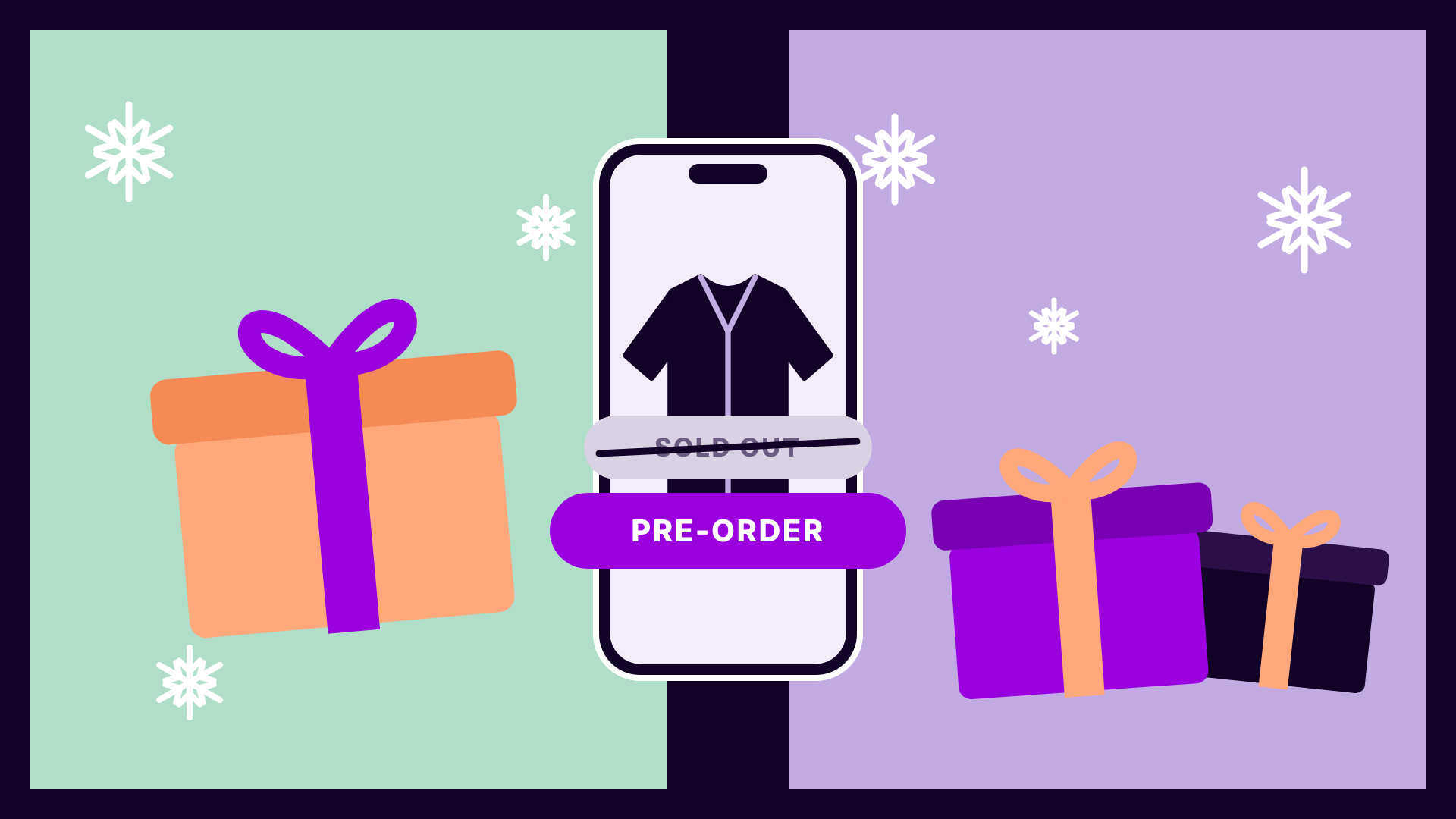
The frustrating part? You know that more inventory is already on the way. But while you wait for it to arrive, customers are hitting a Sold Out message or a Notify Me button instead of clicking “Add to Cart”.
And during the busiest shopping season of the year, a dead end like that can be especially costly. Shoppers looking for gifts may simply move on to another brand, taking those potential sales with them.
Now for some merrier news!
With a little planning and the right pre-order strategy, you can capture more sales that might otherwise be lost to stockouts and make the most of the blockbuster holiday shopping season.
Here's your five-step roadmap to keeping your bestsellers actually selling all season long!
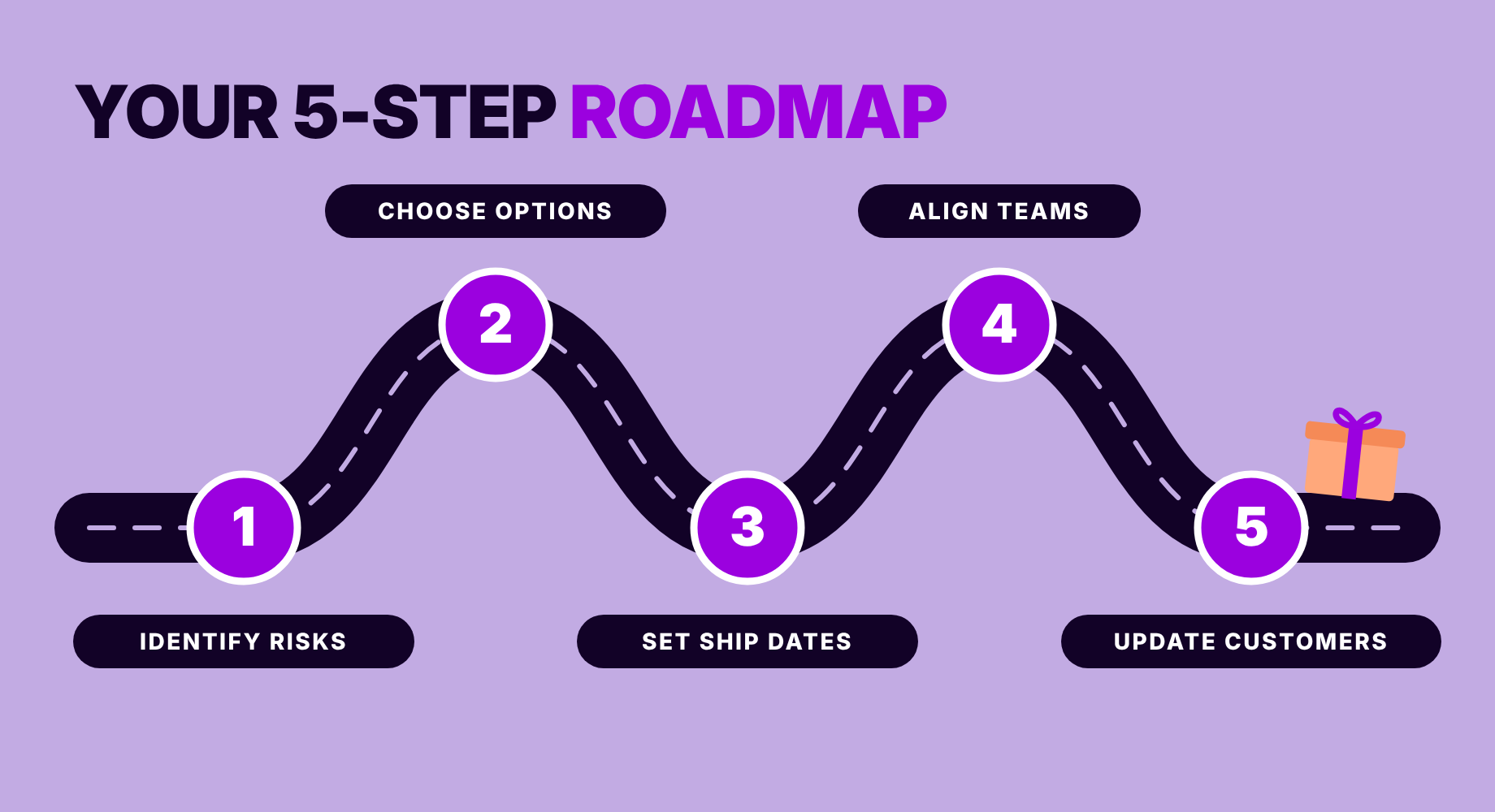
STEP 1: IDENTIFY SELLOUT RISKS AND PRE-ORDER OPPORTUNITIES
You probably already have a pretty good idea of which products are most likely to sell out during the holidays, but taking a closer look at your sales and inventory data can help you pinpoint where the biggest opportunities lie.
Here are three simple places to start:
- Look at past sellouts. Which bestsellers have historically run out of stock, particularly during promotions or other high-demand periods?
- Check your current sales pace. Which products are moving quickly? Pay attention to individual SKUs and variants, including sizes and colors.
- Find the replenishment opportunities. Of those at-risk products, which have more inventory already on the way? These are the products where pre-orders may make the most sense.
Once you have that information, start small! Focus on a handful of bestsellers with proven demand and a credible replenishment plan. Pre-orders can help you keep capturing sales while fresh inventory makes its way to your warehouse.
New to pre-orders? For a deeper dive into how they work and why they're such a big opportunity for ecommerce brands, listen to Purple Dot's Rethinking Sold Out episode on the Always Off Brand podcast.
STEP 2: CHOOSE YOUR SELLING OPTIONS AND SET PRE-ORDER QUANTITIES
Once you've identified your best candidates, it's time to decide how you'll keep selling while you wait for replenishment inventory to arrive.
Depending on your inventory situation, you have a few options:
- If replenishment is confirmed and expected soon, offering a pre-order gives customers a chance to purchase immediately.
- If timing is uncertain, Notify Me may be a better fit.
- For shoppers who need something right away, suggesting an in-stock alternative might make the most sense.
For products you decide to offer on pre-order, the next step is figuring out how much incoming inventory you can confidently make available for purchase.
Start by reviewing your incoming purchase orders, expected quantities, and any inventory already committed to other channels. Then set a pre-order allocation for each SKU or variant, with limits in place to avoid selling more units than you have coming.
The right mix of options helps you keep the cart open without making promises your inventory can't support.
The opportunity can add up! Just ask fashion brand Oh Polly, which grew its pre-order revenue by 49% by making the most of incoming inventory with Purple Dot.
STEP 3: SET REALISTIC SHIP DATES AND HOLIDAY GIFT CUTOFFS
Shoppers might be happy to wait a few weeks for a favorite product at other points in the year, but if they're buying a gift, they need to know whether it'll arrive in time.
That's why setting clear, realistic delivery expectations is especially important for holiday pre-orders, when timing truly is everything.
Here's how to plan for holiday delivery deadlines and keep shoppers informed along the way:
- Set realistic ship dates. Start with your expected replenishment date, then factor in warehouse processing time to estimate when orders will ship.
- Think beyond the ship date when communicating with shoppers. Factor in carrier transit times so shoppers have a clear idea of when the order will arrive, which is especially important when shopping for gifts.
- Prioritize keeping holiday cutoffs up to date. If a product is no longer expected to arrive by Christmas, promptly update your messaging across product pages and checkout so shoppers know before they place an order. Customers may still be happy to buy as long as they know what to expect. Either way, transparency is key!
During the holiday rush, even the best inventory planning can be thrown off by unexpected delays. Building a little flexibility into your timelines can help you avoid last-minute scrambling and keep more holiday sales on track.
STEP 4: GET YOUR TEAMS ALIGNED (WITHOUT ADDING MORE WORK!)
Okay, this all sounds great in theory, but what about your teams? After all, holiday fulfillment is complicated enough without adding another type of order to manage!
The key is getting your ecommerce, merchandising, operations, and customer experience teams on the same page before pre-orders go live.
Tackle these four important questions together:
- How will incoming inventory be allocated? Make sure everyone understands which units are available for pre-orders and how those quantities will be tracked. If you're working with Purple Dot, take advantage of our pre-order automation to sync with your ERP and manage pre-order availability based on incoming purchase orders.
- How will mixed carts be handled? Decide what happens when a customer purchases both in-stock and pre-order items. Will they ship separately or together? (Purple Dot's mixed-cart functionality is one of our most popular features for a reason!)
- When will pre-orders reach the warehouse? Establish when orders should enter your fulfillment workflows so they don't create confusion before inventory arrives. Purple Dot can help by holding pre-orders outside the warehouse system until inventory is ready to ship.
- Who owns replenishment updates? Assign responsibility for tracking changes to expected arrival dates and communicating those changes across teams. Purple Dot automates pre-order post-purchase transactional emails including confirmation, updated shipping dates, amended or canceled orders.
With the right processes and automation in place, your teams can spend less time managing pre-orders manually and more time keeping holiday orders moving!
Want to see pre-order automation in action? Check out how jewelry brand Astrid & Miyu increased pre-order sales by 68% while saving two days of manual administration per month.
STEP 5: KEEP CUSTOMERS IN THE LOOP UNTIL THEIR ORDERS ARRIVE
You've captured the sale. Great! Now it's time to make sure customers feel just as good about their purchase while they wait for it to arrive.
Especially during the holidays, when even a small delay can throw someone's gift-giving plans off track, a little proactive communication can go a long way.
Use these three best practices to keep customers informed and confident:
- Confirm expectations at every touchpoint, from the start. Clearly identify pre-order items and communicate estimated ship and arrival dates throughout the checkout process, then reinforce those expectations in the order confirmation.
- Communicate changes promptly. Replenishment timelines can shift, so keep customers updated if their estimated ship dates change. (Purple Dot can automate these updates for you, saving your CX team from having to manage every notification manually!)
- Make order management easy. Give shoppers a simple way to check their order status or cancel if a delay means their purchase no longer works for them. If you're working with Purple Dot, our self-service pre-order management tools let customers do both without contacting support.
Remember, transparency is especially important when things don't go according to plan. Clear communication helps protect customer trust and can reduce the number of order-status questions your support team has to handle during the holiday rush.
Nervous about navigating shipping promises, delays, and refunds? Purple Dot's guide to FTC pre-order regulations can help you understand your obligations.
KEEP SELLING BEYOND THE HOLIDAY RUSH
The holiday rush may put your inventory to the test, but running out of stock doesn't have to mean putting sales on hold. With the right pre-order strategy, you can keep selling while replenishment inventory is on the way. And when the decorations come down, those same strategies can continue working for you all year long!
Ready to make pre-orders part of your holiday strategy? Book a demo with Purple Dot today!